Table of Contents
Personalize your Shopify products
Install for freeMarch was a big one. We introduced Sections, making it easier to organize options and guide shoppers through the personalization flow, especially on mobile. We also launched Word Cloud, a new way to turn multiple inputs into a single, meaningful design. And with Multi Previews, product pages can now show personalized items from multiple angles and contexts, giving shoppers more confidence before they buy. Together, these updates focus on one thing: helping you create better experiences that convert.
Let’s dive into what’s new! 🚀
Multi Previews 📖
You can now add multiple live previews to your products! This means you can show different angles of your products, different prints within a same product, show the product with different mockup photos (all with live previews!) or create products with multiple parts, like a photo book.
This new feature opens up endless possibilities for your products.
👉🏻 Learn everything about it here!
Coordinates on Maps 🌍
This feature allows merchants to set up a text box that automatically uses the coordinates selected on the linked map element.
Template setup:
• Once a Map and a Text Box element are placed in a design, a link icon will appear.
• When clicked, the merchant selects which map element to link to and the coordinate format.
• That’s it! Once linked, the text box will automatically populate with the coordinate value from the map.
Sections for Option Sets! 💫
You can now organize your customization options into Sections, making your option sets easier to structure and navigate.
What are Sections? Sections allow you to group options together under a shared title. Simply create a section, name it, and drag the options you want to include.
Users will be able to customize sections by setting background and text colors, as well as adjusting padding and corner rounding to better match their store’s design.
👉🏻 Learn how to use them here!
Word Cloud ☁️
Let your shoppers create something truly unique! ✨
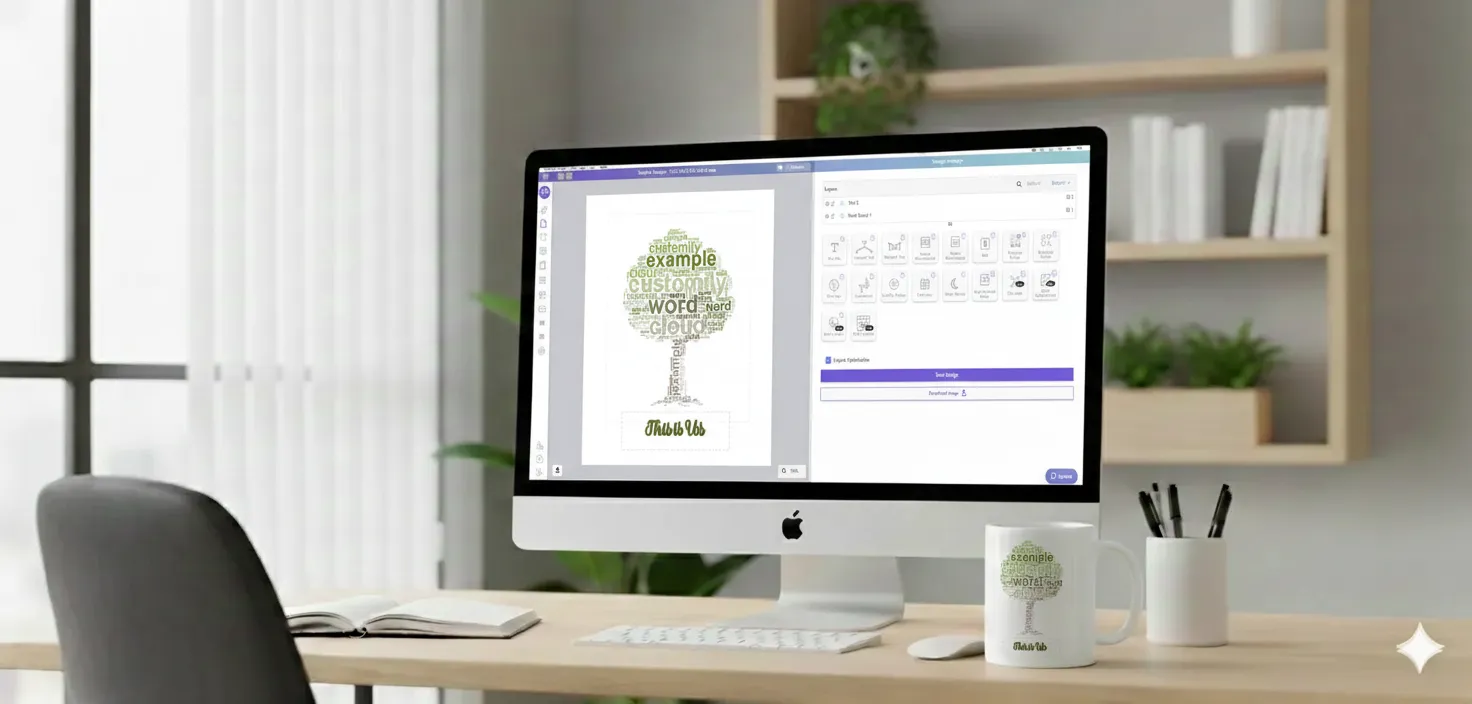
What is it? Merchants can now add a Word Cloud element that lets shoppers choose a shape and fill it with words, automatically generating an image.
How to set it up: Each Word Cloud element includes the following settings:
- Character: Font applied to the words (with min/max font size and word count controls)
- Shapes: Shape options for customers to choose from
- Colors: Background color (or transparent) and word colors (either extracted from the photo or using a default color palette)
Need Help?
Our team is always here for you. If you have any questions or want to see these features in action, just reach us at support@customily.com.
Try all our new features now inside Customily Studio and let us know what you think 🤩
Happy customizing! ⭐